Compact Android app for on-device photo mosaics and precise cropping
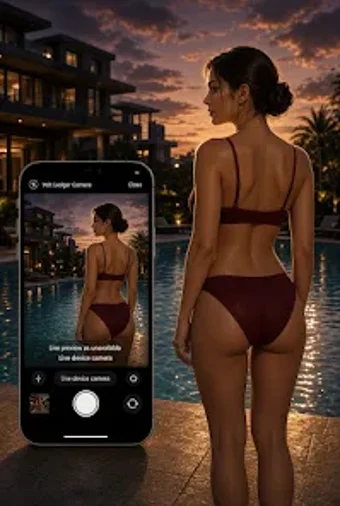
Creates image mosaics and precise crops inside a dark editing workspace, letting you import multiple photos and arrange them into template grids. Volt Ledger, from OPTIMUS ENTERPRISES, targets Android users who want private, device-only photo work. The app combines integrated camera capture, draggable aspect-ratio cropping tools, and a minimal interface to keep attention on image layout rather than account setup or cloud services.
How the app handles mosaic construction in daily use
Volt Ledger focuses on assembling multiple images into structured mosaics: you import photos from local storage or take new shots with the built-in camera, then place them into predefined templates. The workflow supports arranging individual cells and filling them manually, which fits short sessions like assembling a collage for social sharing or preparing an image grid on the spot.
What the interface actually feels like while you edit
The interface uses a dark "workbench" theme designed for concentrated editing, with draggable handles and visible aspect-ratio choices for the crop tool. The layout presents one active canvas and cell controls, so you interact directly with image placement and cropping without button-heavy menus. The app's simplicity keeps the editing task focused rather than spreading controls across multiple screens.
How the app integrates with device hardware and files
The app accesses the device camera for real-time capture and imports images from local storage, so you can combine newly shot photos with existing ones. Export is limited to JPEG files, which covers common sharing workflows on Android but constrains projects that require TIFF or lossless formats.
What the app does with user data and privacy
The app processes photos locally and declares no data collection in its developer statement, so edits and captured images remain on the device during the editing session. That local-only processing supports users who prefer not to send images to external servers for manipulation.
To sum up, a focused, private mosaic tool for creators on Android
Volt Ledger suits creators who want a compact, on-device workspace for assembling mosaics and doing careful crops without external data flows. Expect a narrowly scoped tool: it concentrates on template-driven layouts and local processing, and it exports only JPEG files. To sum up, choose the app if you need privacy-first, quick mosaic assembly on Android; choose differently if you need broader format support.